

10 tools every startup and small business must have.

Introduction

Growing a startup requires the right toolkit. Hundreds of software products promise to improve productivity, but testing each one takes time you could spend serving clients. We narrowed the list down to 10 practical tools that solve real operational, marketing, and customer management needs for growing businesses.

Why the Right Software Matters for Startups

Founders often manage marketing, operations, and client delivery at the same time. The right software automates repetitive tasks, keeps client communications organized, and frees up focus for product development and business growth.

Good tools also help you attract qualified visitors, convert leads into clients, and retain existing accounts. Using these platforms systematically turns ad-hoc tasks into reliable business systems.

Top 10 Online Growth Tools for Startups

1. HubSpot
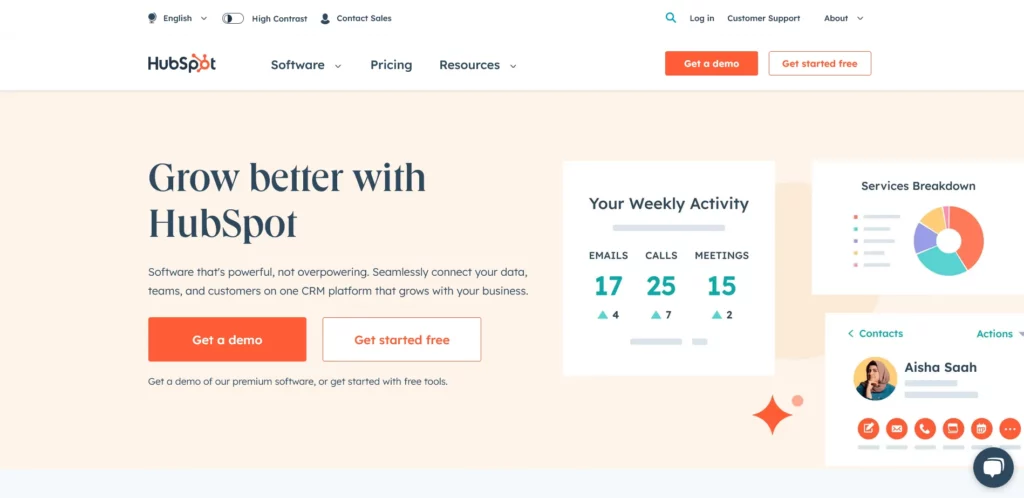
HubSpot CRM platform

HubSpot is a marketing automation and CRM platform. It brings together lead capture, email campaigns, pipeline tracking, and customer contact management. The free CRM tier gives early-stage teams a structured way to track conversations and deals without building complex spreadsheets.

2. Google Analytics
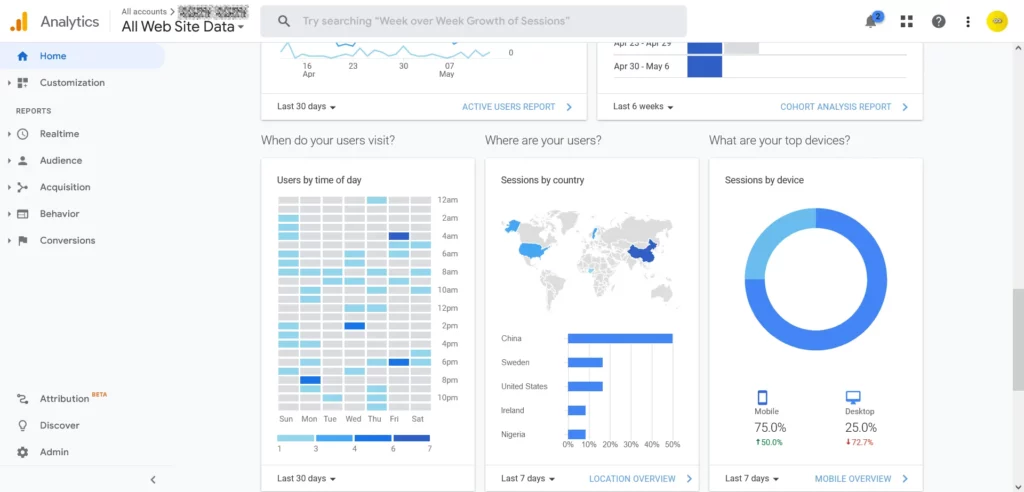
Google Analytics dashboard

Google Analytics (GA4) tracks how visitors find and interact with your website. It shows traffic channels, popular pages, conversion rates, and drop-off points. Reviewing this data helps you understand which marketing channels bring qualified traffic and where visitors leave your site.

3. Mailchimp
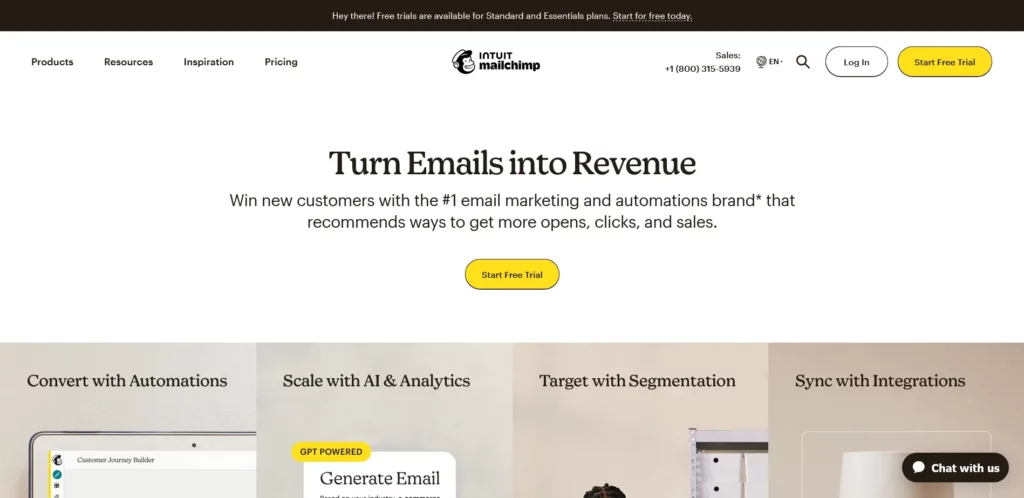
Mailchimp email marketing

Mailchimp helps businesses build email lists, send newsletters, and set up automated drip campaigns. You can segment contacts based on sign-up source or purchase history. Regular email communication keeps your audience informed about product updates, case studies, and offers.

4. Buffer

Buffer social scheduler

Buffer simplifies social media scheduling across LinkedIn, X, Facebook, and Instagram. Instead of posting manually throughout the week, you can queue content in batches and review post engagement metrics from a central dashboard.

5. Meta Business Suite
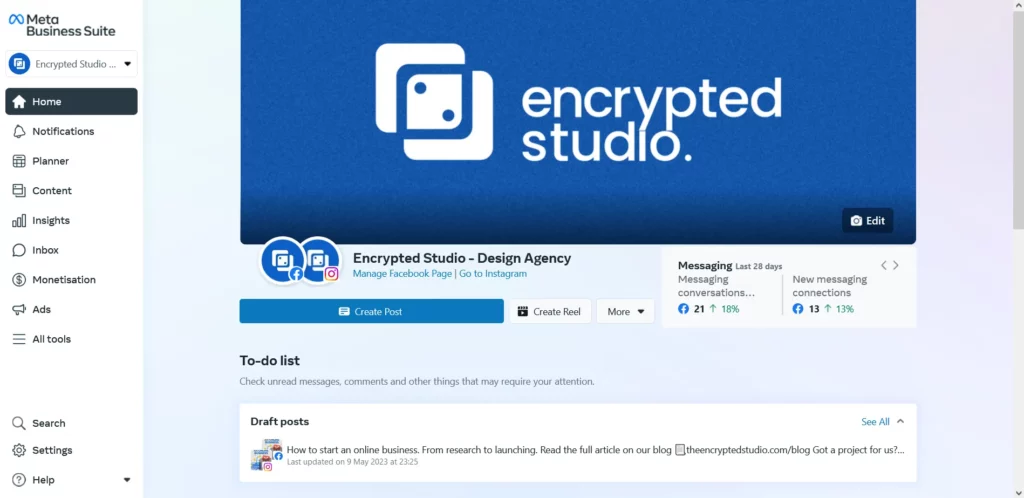
Meta Business Suite

Meta Business Suite centralizes Facebook and Instagram management. It provides unified inbox messaging, post and story scheduling, and ad campaign reporting. For consumer-facing businesses, having one place to respond to direct messages and comments saves hours each week.

6. SEMrush
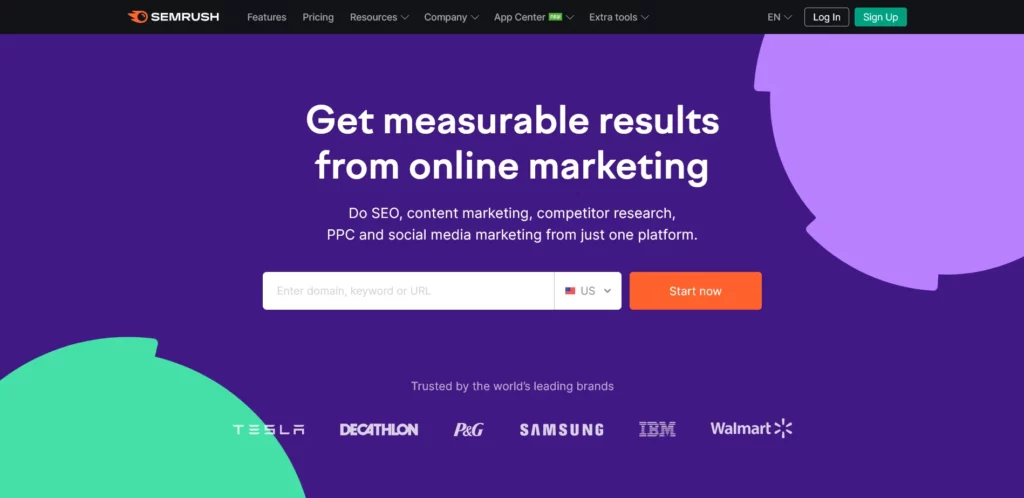
SEMrush search analytics

SEMrush is an SEO and competitive research tool. It reveals keyword rankings, backlink profiles, search volume, and competitor ad campaigns. Use it to identify what terms your prospective clients search for and build pages that match their search intent.

7. Canva
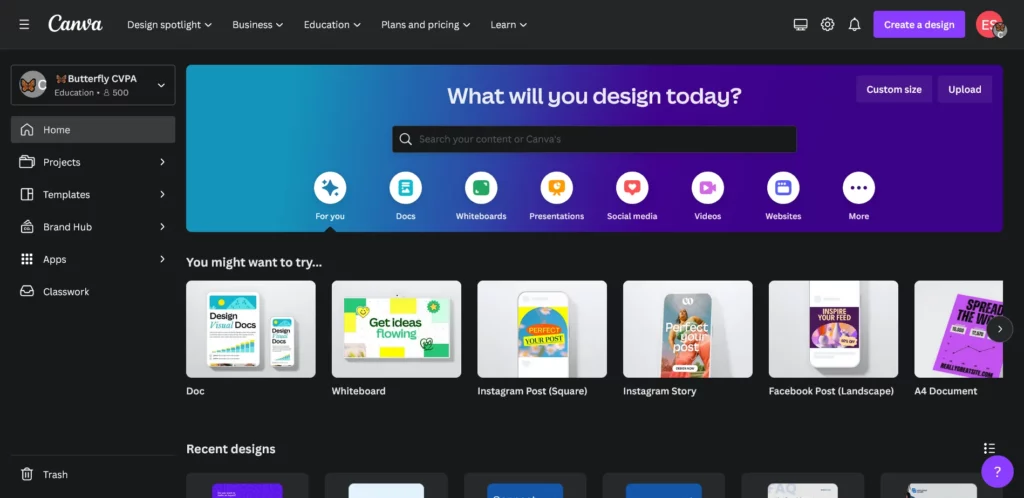
Canva graphic design

Canva gives non-designers an easy way to produce branded social graphics, slide decks, and marketing collateral. Its template library and drag-and-drop editor allow teams to produce clean visuals quickly without dedicated design software.

8. Zapier
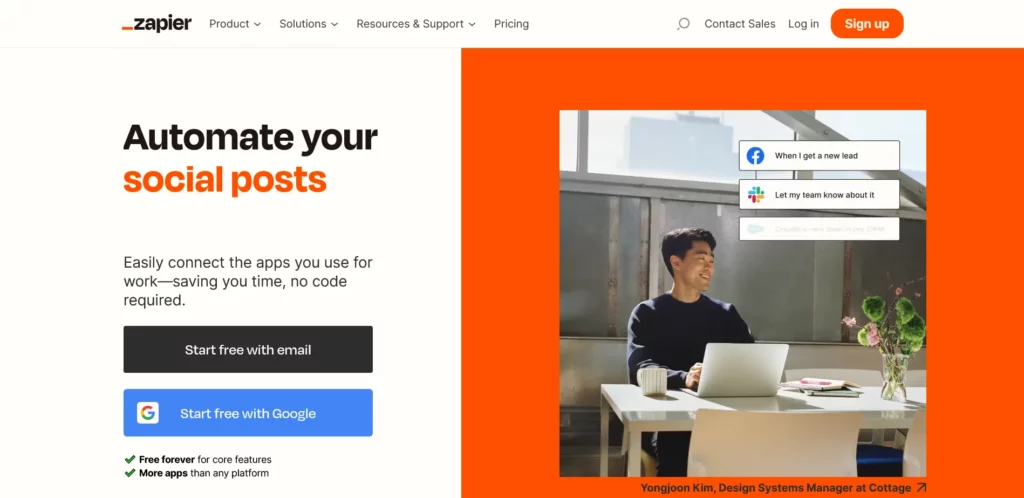
Zapier automation

Zapier connects your web apps and automates repetitive tasks. For example, you can automatically add new form submissions to your CRM, send an alert to your team, and trigger a calendar booking link. Automating manual handoffs reduces errors and speeds up lead response times.

9. Trello
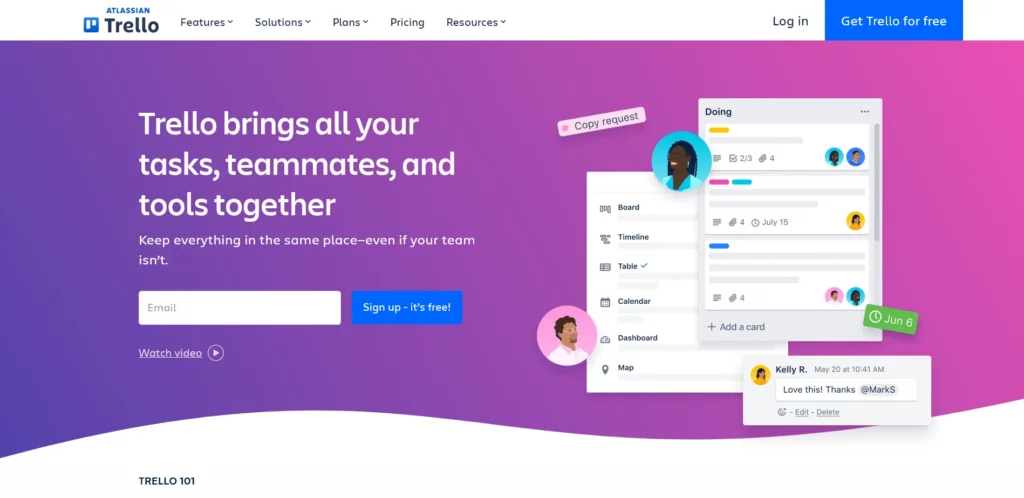
Trello project management

Trello provides Kanban-style boards to organize client work, internal tasks, and project sprints. Moving cards across columns (‘To Do’, ‘In Progress’, ‘Done’) gives the entire team instant visibility into project status.

10. SurveyMonkey
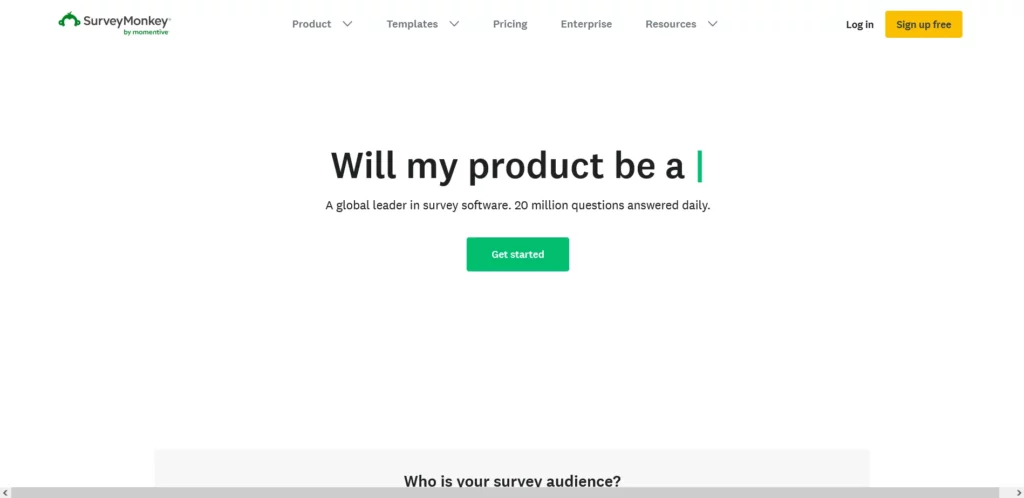
SurveyMonkey feedback tool

SurveyMonkey lets you gather direct feedback from customers and prospects. Asking structured questions after a purchase or onboarding call reveals where your product delivers value and where your customer experience needs improvement.

Conclusion

Adopting the right software gives small teams the operational leverage of much larger companies. Instead of trying to implement every tool at once, start with two or three that solve your immediate bottleneck: lead tracking, client scheduling, or basic analytics. As your operations mature, expand your stack systematically.

The AI revolution in business operations.

Introduction

Artificial intelligence (AI) has shifted from experimental research into practical business infrastructure. Today, companies use automated systems to analyze complex data, forecast operational needs, automate routine workflows, and make faster, more consistent decisions. This guide outlines how AI is changing business operations across major industries, the practical tools available today, and the operational challenges founders must address.

A. Overview of AI in Business Operations

In business operations, AI refers to software systems that process information, identify patterns, and perform tasks that previously required manual analysis. It enables three primary capabilities: automating repetitive administrative tasks, generating predictive insights from historical data, and assisting human teams in daily decision-making.

One clear operational advantage is rapid data synthesis. Service businesses, healthcare providers, and manufacturers generate substantial volumes of operational logs and customer interactions daily. Machine learning models analyze this data in seconds, highlighting anomalies, supply bottlenecks, and emerging client preferences that manual review might miss.

B. How AI is Transforming Industries

Across sectors, AI is replacing manual guesswork with data-driven workflows:

1. Healthcare

AI diagnostic support and scheduling systems help clinical teams prioritize patient triaging, review medical imaging (such as MRIs and CT scans) for early anomaly detection, and improve operational throughput while lowering administrative overhead.

2. Finance

Financial institutions rely on machine learning models to monitor transaction streams in real time. These systems detect fraudulent activity patterns within milliseconds, preventing fraud losses. Automated portfolio rebalancing and algorithmic risk assessment also streamline compliance and asset management.

3. Manufacturing

Machine learning models connected to IoT sensors monitor equipment vibration, temperature, and wear. Predictive maintenance flags potential component failures before machines break down, preventing expensive factory downtime and maintaining consistent production quality.

AI-Powered Business Tools and Services

Modern businesses deploy AI through specialized operational tools:

A. Customer Support Agents

Intelligent conversational agents handle tier-1 client inquiries, route complex support tickets, and answer routine product questions around the clock, freeing your team for high-value client interactions.

B. Administrative Automation

Digital assistant tools coordinate calendar scheduling, summarize meeting recordings, and draft follow-up communications, saving hours of manual coordination each week.

C. Supply Chain and Inventory Forecasting

Predictive inventory software assesses seasonal order patterns, shipping lead times, and supplier performance to prevent stockouts and reduce warehouse carrying costs.

Key Challenges in AI Adoption

While AI creates significant opportunities, businesses must manage three practical hurdles:

1. Data Privacy and Regulatory Compliance

Deploying AI requires handling sensitive client and business data responsibly. Organizations must ensure that data pipelines comply with applicable privacy regulations, including the Nigeria Data Protection Act (NDPA), GDPR, and relevant industry compliance standards.

2. System Integration with Existing Stacks

Connecting AI models to established databases and CRM tools requires clean APIs, sound data hygiene, and thoughtful engineering. Clean data architecture is essential before deploying predictive models.

3. Team Training and Oversight

Integrating AI into daily operations requires team training, clear usage guidelines, and human review protocols to verify accuracy and protect client trust.

Conclusion

Artificial intelligence offers meaningful operational efficiency for businesses that implement it deliberately. The key to successful adoption is starting with concrete operational problems: reducing manual data entry, improving response times, or clarifying business analytics. Organizations that combine reliable software with thoughtful human oversight will build resilient, scalable operations.

Online Business: Steps to Create a Successful Online Business

Introduction

Starting an online business is one of the most accessible paths to entrepreneurship. Lower overhead and direct access to global audiences mean you can test concepts and acquire clients faster than ever. However, standing out in a crowded market requires a clear strategy. This guide breaks down the essential steps to launch and establish a sustainable business online.

Benefits and Challenges of Starting a Business Online

The primary advantage of an online model is low startup capital. You do not need physical storefronts or commercial leases to begin selling services or products. You also have the flexibility to work with clients across different regions and time zones.

The main challenge is market noise. With low barriers to entry, thousands of new businesses launch every month. Success comes down to three essentials: clearly defined positioning, a credible web presence, and dependable execution.

Key Steps to Launching Your Business Online

Step 1: Research and Define Your Niche Market

Before launching, validate who your specific buyers are and what problems they need solved. A niche market focuses on a well-defined audience with specific requirements. You can evaluate customer demand using tools like Google Trends, Reddit communities, and industry forums. Finding where your prospective buyers gather helps you shape offers that address their immediate priorities.

Step 2: Build Your Brand Identity and Website

Your brand identity and website form your business’s visual credibility. A coherent brand kit (including logo, typography, color palette, and clear messaging) sets a professional tone immediately.

Keep your website structured and easy to navigate. Every page should feature clear headlines, intuitive menus, and prominent calls to action. Ensure your site loads quickly and is optimized for search engines so prospective clients can find you organically.

Step 3: Choose the Right Platform

Select a web platform that matches your business model. For service businesses and custom agency builds, WordPress with a custom theme offers full ownership, deep flexibility, and zero platform lock-in. For pure retail e-commerce, Shopify provides straightforward checkout flows and inventory management. Choose the platform that gives you long-term control over your customer relationships and data.

Step 4: Configure Payment Systems and Secure Your Website

Reliable payment processing and website security protect your cash flow and client trust.

Choose reputable payment gateways that match your target audience. International gateways like Stripe and PayPal handle cross-border payments smoothly. For Nigerian and pan-African commerce, gateways like Paystack and Flutterwave provide seamless local card, USSD, and bank transfer options.

Protect your platform with SSL encryption, two-factor authentication, and regular automated backups. Securing client data builds lasting credibility.

Conclusion

Building a profitable online business takes patience, solid market research, and reliable digital systems. By finding your niche, establishing a polished web presence, selecting the right tools, and protecting client transactions, you build a sustainable asset.

Ready to build your digital presence? Start your project with Encrypted Studio to design and launch a custom website built for conversion.